Allow Unwrap to Send Alerts and Reports in Slack
Last updated: October 1, 2026
Note: This article covers allowing Unwrap to send messages in your team's Slack workspace. If you are looking to chat with the Unwrap Assistant in Slack, see Connecting Unwrap Assistant to Slack. If you are looking to ingest feedback you receive in Slack, see Integrating Feedback from Slack.
Unwrap can integrate into your Slack workspace to send alerts and reports about your insights directly in Slack.
Why Connect Unwrap to Slack?
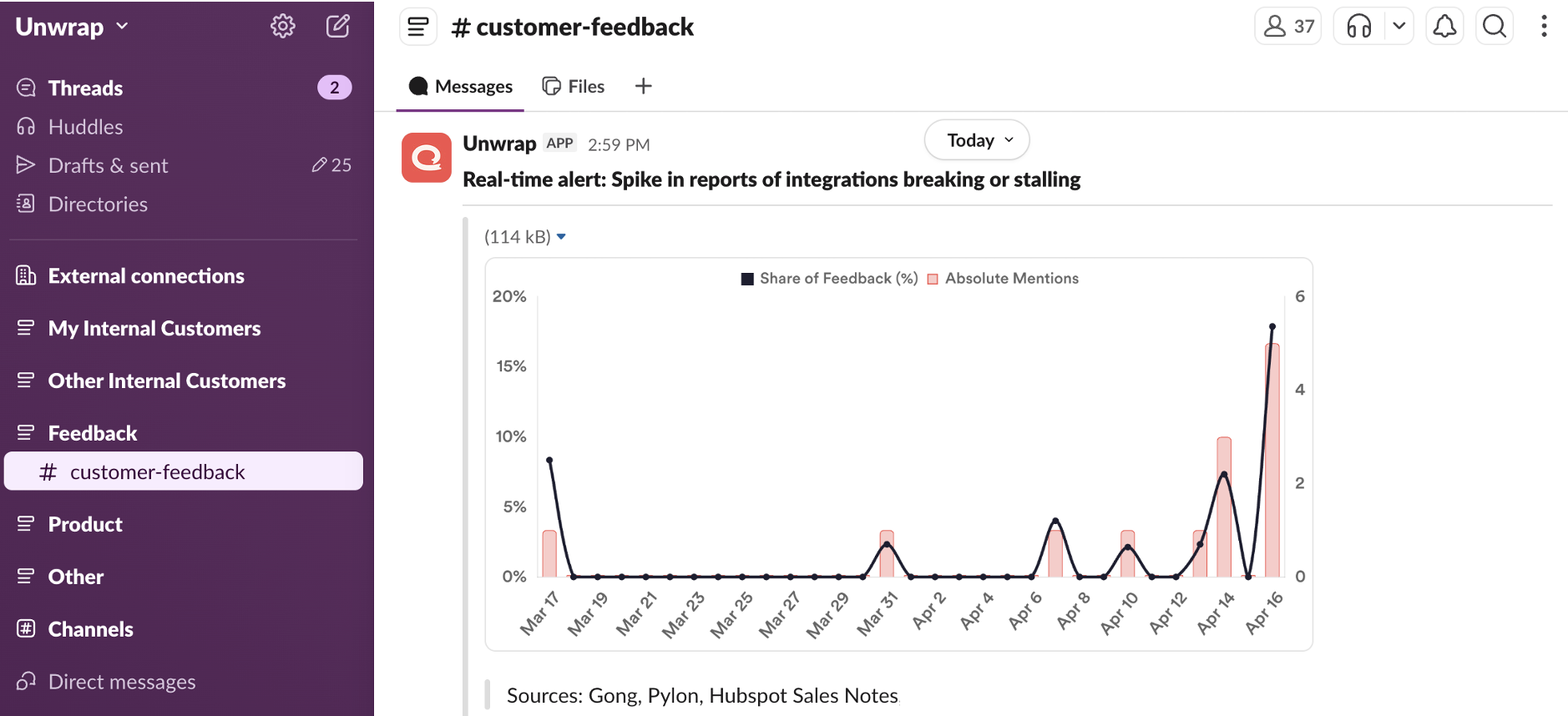
If your team uses Slack, this is probably where most day-to-day communication happens. By connecting Unwrap to your Slack workspace, you can receive proactive alerts and scheduled reports right where you can kick off discussions about what actions to take. See a sample proactive alert in Slack below, reporting a spike in volume for the Group "Integrations breaking or stalling."
How to Connect Unwrap to Slack
Go to your Organizations page using the link towards the bottom of the left sidebar.
You will see a section for Connections. Click "Connect" next to "Slack."
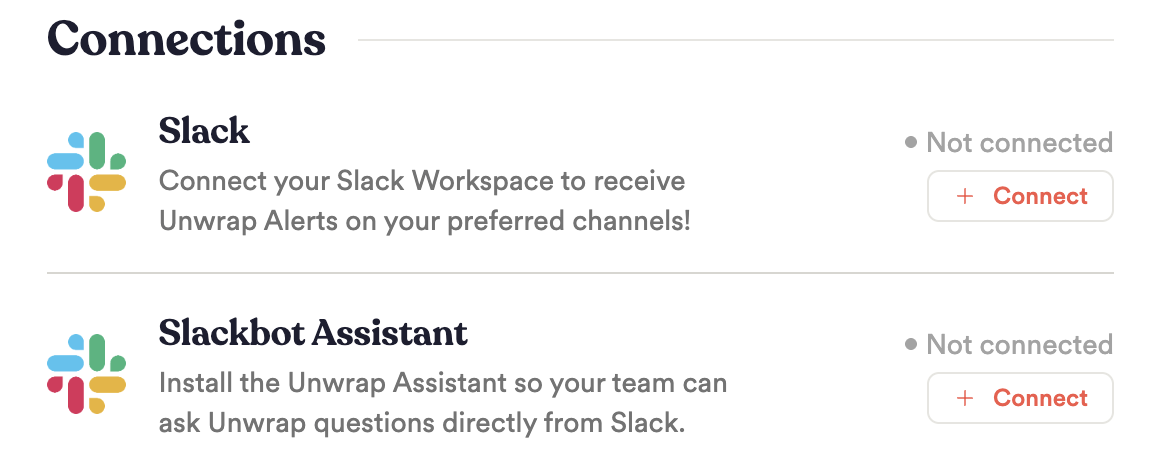
Note: Slackbot Assistant is a separate connection, which allows you to chat with the Unwrap Assistant directly in your Slack workspace. To set that up, see Connecting Unwrap Assistant to Slack.
You'll be prompted to authenticate Slack. Please ensure you have admin rights for your Slack workspace before you complete this connection, or ask a colleague with admin rights to complete this.
If your Slack workspace or apps are managed by a service account, please have a colleague with access to the service account go through the connection flow.
Configure the following OAuth Scopes:
channels:read - This allows Unwrap to read the list of public channels available in your Slack workspace.
chat:write
chat:write.public - This allows Unwrap to post to public channels in your Slack workspace.
To connect to a private channel, simply add the Unwrap Slack App directly to that channel in Slack.
Configuring what gets pushed to Slack
Once configured, please let your Unwrap representative know the name(s) of the Slack channel(s) you'd like alerts sent to.
To configure the type of alerts that get pushed to Slack, see our Alerts documentation.
For more details about our data usage, you can see our Privacy page. As always, if you have questions, reach out at contact@unwrap.ai.