April 2026
Last updated: May 15, 2026
Assistant Improvements
Context-Injection for Assistant
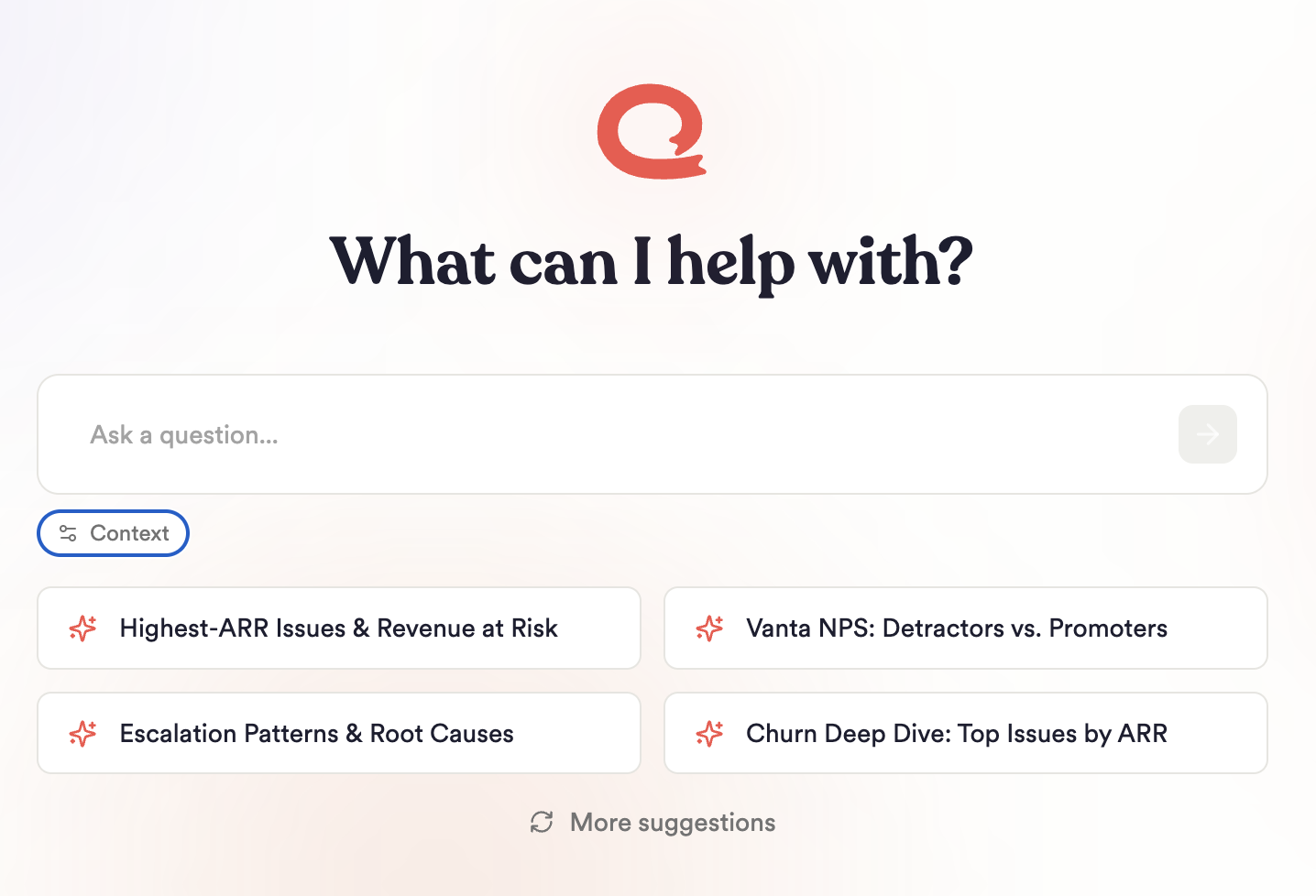
Give your Unwrap Assistant a persistent understanding of your product, team, and data — so every conversation starts smarter. Admins can now attach a shared context — product definitions, customer-tier meanings, naming conventions, or whatever nuance your team needs the Assistant to know. Assistant applies it automatically in every future chat, including when building Groups. Additionally, you can add your own private context on top of the shared view context. It's only visible to you and shapes your own Assistant conversations — perfect for individual preferences, experimental instructions, or personal analysis workflows.
Great for:
Capturing product definitions so Assistant uses them everywhere
Reducing Assistant confusion about specific topics, particularly internal naming conventions or product nuances that Assistant doesn’t understand correctly out of the box
Learn more about context enablement here.
More Powerful Unwrap Surveys
We now support more question types, any number of questions per survey, and the ability to trigger surveys contextually within your website with Intercepts.
What's new:
Expanded question types. Surveys now offer the following question types:
1-10 Scale
Open Ended Text (with AI Follow Up option)
Single, Multiple, or Y/N Choice selection
Matrix Table
Unlimited questions per survey
Intercepts — trigger embedded surveys in-product, with logic based on user behavior, context, pathway, or any other included metadata.
Dynamic AI Follow Up model improvements
Boards Improvements
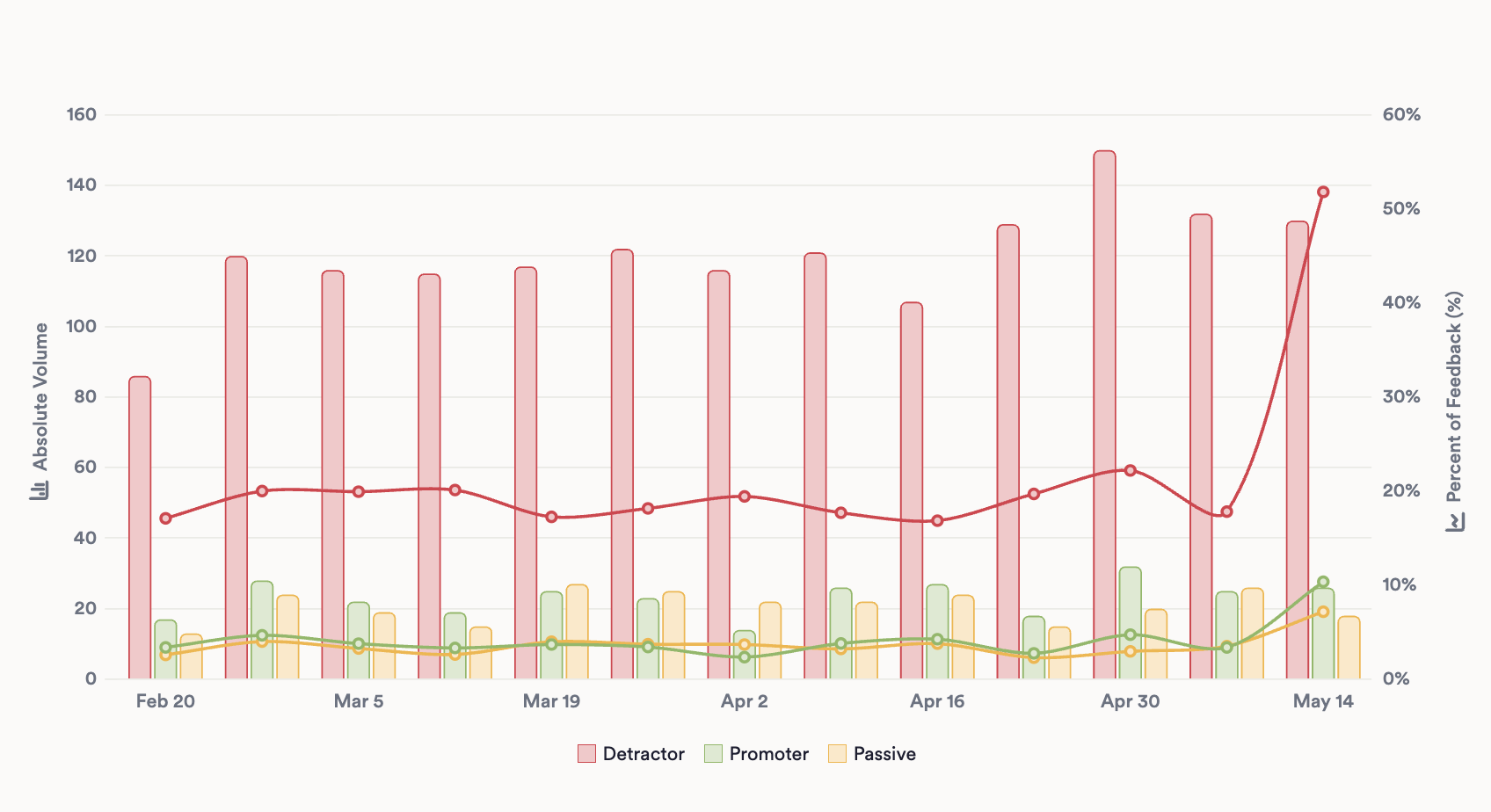
Compare metrics at different scales, side by side. You can now add a secondary axis to your charts — especially powerful when pairing absolute volume against relative share, NPS, CSAT, resolution time, or any numeric custom field.
What you can do:
Plot two metrics on independent axes in the same chart
Use any numeric custom field as a secondary-axis plot unit
Rename axis labels to match your reporting vocabulary
Customize Legend Names and Colors
You can now rename and recolor any value that appears in a chart legend — so internal codes, field values, and noisy labels become the clean categories you expect to see.
Get More From Your Integrations
Sharper Gong Summaries
Get more signals out of every Gong call. We've rebuilt Gong call summaries to surface what matters, with up to four dedicated sections per call:
Reason for the Call
Key Feedback
Positive Feedback
Risks
Less signal gets buried in long calls, and customers see a cleaner picture of what actually happened on each conversation.
New Integrations:
Aircall
Genesys